
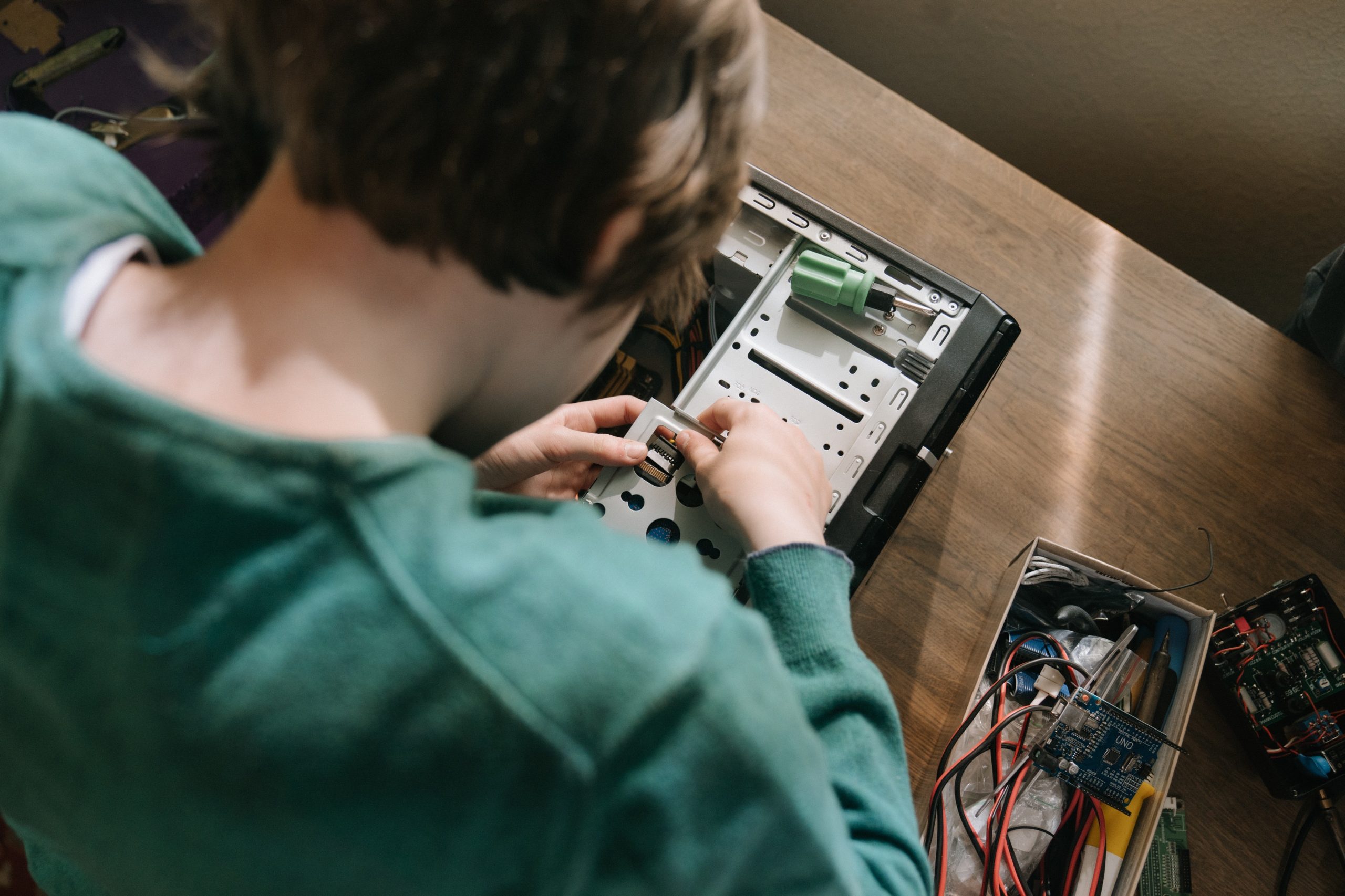
A computer repair technician is a person who repairs and maintains computers and servers. The technician’s responsibilities may extend to include building or configuring new hardware, installing and updating software packages, and creating and maintaining computer networks. Computer repair technicians work in a variety of settings, encompassing both the public and private sectors.
Because of the relative newness of the profession, institutions offer certificate and degree programs designed to prepare new technicians, but computer repairs are frequently performed by experienced and certified technicians who have little formal training in the field.
A repair technician might work in a corporate information technology department, a central service center, or a retail computer sales environment. A public sector technician might work in the military, national security or law enforcement communities, health or public safety field, or an educational institution.
Despite the vast variety of work environments, all computer technicians perform similar physical and investigative processes, including technical support. Experienced technicians might specialize in fields such as data recovery, system administration, or information systems. Some technicians are self-employed or own a firm that provides services in a regional area. Some are subcontracted as freelancers or consultants. This type of technician ranges from hobbyists and enthusiasts that volunteer or make a little side money, to those who work professionally in the field.
Duration
12-16 weeks (an extension could be granted under special circumstances)
Course and Administrative fee
The total administrative and course fee charge is $ 1000 (Based on academic merits, a partial scholarship or/and installment payment of fee can be grnted to a limited number of applicants. Please contact us on details.)
Applicants will be provided an academic representative, and a qualified and experienced Course Mentor , text book materials , other study materials, slides, case studies, excercises, tests, supplements and other sources to secure additional materials on the specifics indicated in the course description section. After proper study and review of all materials and completing of all assignments arrangements will be concluded by academic advisor for candidates to sit for their exams at one of Registered Partner Examination centers (RPEC). Specific arrangements will be provided to applicants in good time.
Registration to our programs is made by was of completing our online application format this link: https://german-academic-institute.eu/submit-online-application/ One may contact us per e-mail as well at: contact@german-academic-institute.eu Registration should be concluded atleast 4 weeks prior to the beginning of the course.
Summarized description of course topics & additional literature
This extremly comprehensive Certificate Program is designed to enable students to sucessfully work in the expanding and exciting field of IT and Computer Technology.
Practical Tech Tips give real-world PC repair knowledge as well as Soft Skills information and activities in each chapter cover all the tools and skills you need to become a professional, customer-friendly technician in every category! This interactive course features review Questions assess your knowledge of the learning objectives.
Key Terms identify exam words and phrases associated with each topic
Detailed Glossary clearly defines every key term and step-by-step teaches students the fundaments to master PC installation, configuration, repair, maintenance, and networking.
Also our goal is to fully prepare our students for the CompTIA A+ 220-801 and 220-802 exams.
A+ 220-801:
PC Hardware
Networking
Laptops
Printers
Operational Procedures
A+ 220-802
Operating Systems
Security
Mobile Devices
Troubleshooting
The Modules which are alligned up with innovative materials including the Practical Training Attachment (PTA)to each course, were designed by a group of international EU and ACP practicing educationists and experienced active experts in the industry. These provisions are being made possible through the European Union programme for Capacity Building for Higher Education in Developing Countries (EDULINK I, II and ACP Science and Technology,Erasmus Mundus etc..)
As a result of the years of co-operation between the German Academic Institute , F+U Group (Schools, Academies & Universities) Heidelberg,Germany,(International University of Cooperative Education and The University of Applied Science-Berlin) and other EU-Higher Education, Vocational & Continuing Educational Training Institutes, qualified (passing of both theory & practical training attachment) applicants will be a warded a German Academic Institute Professional Certificate (GAIPC) in cooperation with its state recognized German academic training Institutes. This co-operative engagement is important and practiced at GAI in order to guarantee “Quality Assurance” and “EU added value elements” of course content.
Introduction to Computer Repair
Technician Qualities
Basic Computer Parts, External Connectivity
Mouse and Keyboard Ports, Mice and Keyboards
Wireless Input Devices
Mouse and Keyboard Preventive Maintenance, Keyboard/Mouse Troubleshooting
Installing Extra USB Ports, USB Troubleshooting, Parallel Ports
Serial Ports, Audio Ports, eSATA Ports, Network Ports, Modem Ports
Pros and Cons of Integrated Motherboards
Docking Stations and Port Replicators
Motherboard specifics, overview and basics on processors
Speeding Up Processor Operations Overview
Supporting Windows Computers Remotely (21 min)
Monitoring System Performance (32 min)
Document Findings, Actions, and Outcomes and Provide Feedback (22 min)
Verify Full System Functionality and Implement Preventive Measures (22 min)
Establish a Theory of Probable Cause, Test the Theory to Determine Cause (29 min)
Troubleshooting Overview, Identify the Problem (29 min)
Computer Disposal/Recycling, Logical Troubleshooting (22 min)
Replacing or Upgrading a Power Suppl (21 min)
Basic Electronics Overview, Electronics Terms (16 min)
Mobile Device Issues, Preventive Maintenance (32 min)
Storage Devices, Motherboards (22 min)
Opening the Case, Cables and Connectors (16 min)
Troubleshooting Processor (22 min)
Overclocking Processors (29 min)
Installing Processors, Mobile Device Motherboards/CPUs (22 min)
Sockets and Slots, Processor Cooling (22 min)
Connecting to the Processor, Multi-Core Processors (21 min)
Threading Technology (29 min)
Cache, Clocking (32 min)
Windows Defender in Windows 7, Configuring a Secure Wireless Network (29 min)
Encrypting a File and Folder, Creating a Local Security Policy for Passwords (22 min)
Wireless Network Troubleshooting, Mobile Security, Building Customer Trust (21 min)
Wireless Network Security, Authentication and Encryption, Default Settings (32 min)
Internet Security, Security Incident Reporting (21 min)
Antenna Basics, Wireless Network Standards (16 min)
Overview, Bluetooth, Wireless Networks (22 min)
The OSI Model, The TCP/IP Model, Network Addressing, IP Addressing, Subnetting Basics, Wireless Networks (16 min)
Network Standards (32 min)
Ethernet Issues and Concepts (22 min)
Protecting Your Network and Cable Investment (22 min)
Types of Local Area Networks (22 min)
Networking (29 min)
Internet Connectivity (21 min)
Soft Skills–Avoiding Burnout (29 min)
Preventive Maintenance for Your Operating System (32 min)
Course Teacher
Course Teacher